
Build your ASUS Wireless Ultrasound setup
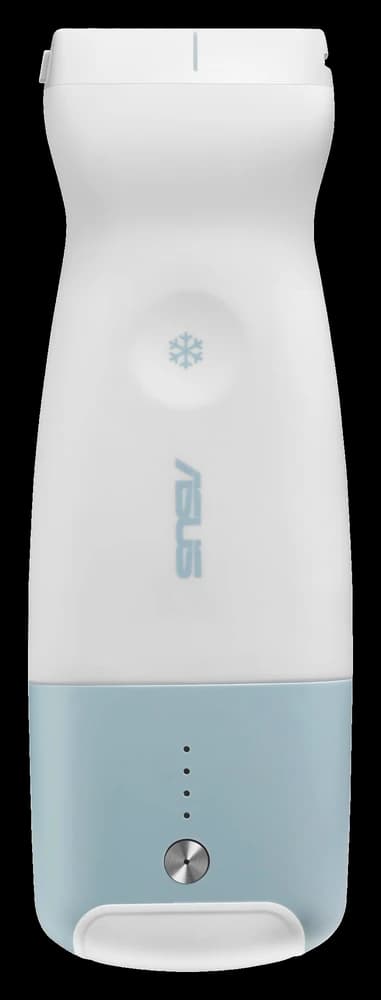
ASUS Wireless Ultrasound
Step 1: Choose your probes
LU800L Linear
The vascular workhorse4.2-12.5 MHz
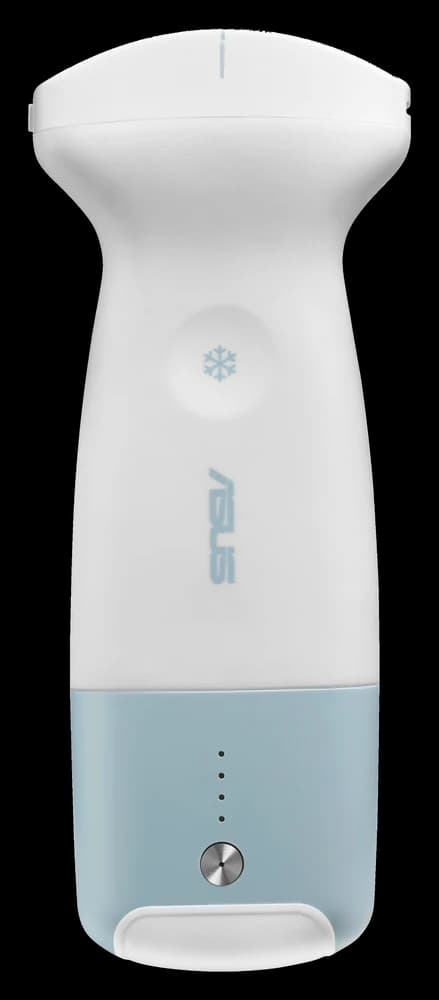
LU800C Convex
Abdomen and OB/Gyn2-5 MHz
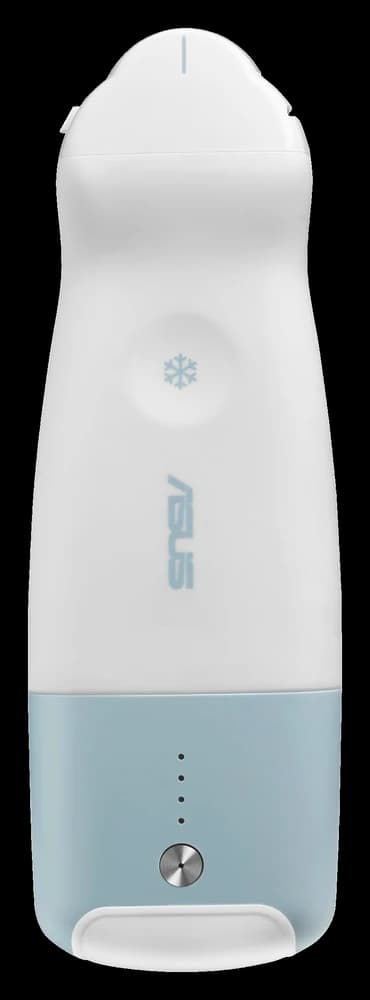
LU800M Microconvex
Difficult windows and pediatrics3.6-8.5 MHz
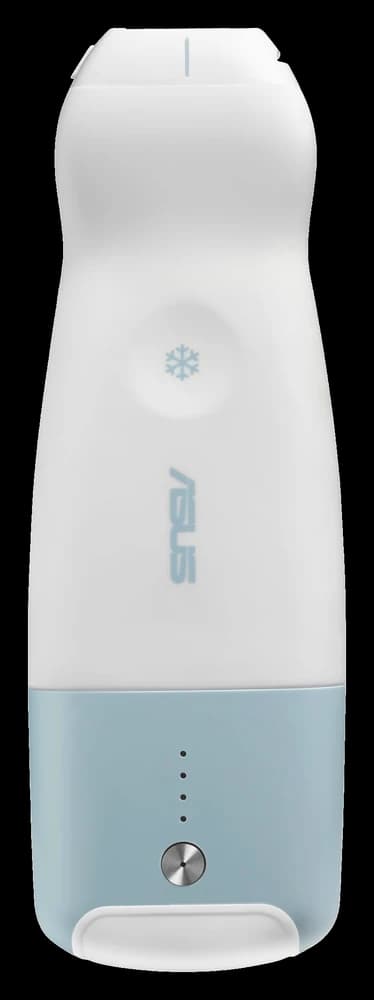
LU800PA Phased Array
Cardiac and lung1.3-3.7 MHz
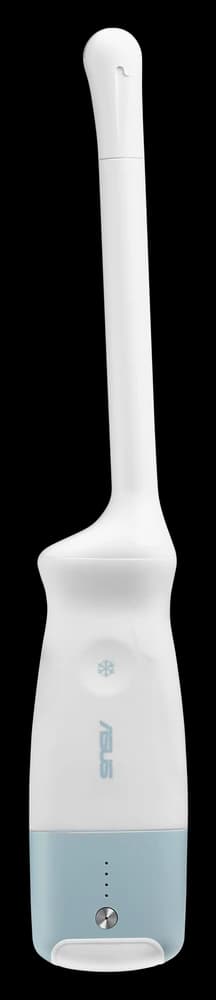
LU800E Endocavity
Pelvic, prostate, and early OB3.6-8.5 MHz
Step 2: Choose a display
OptionalTablets
ASUS 8" medical tablet
Android. Water and drop proof, fanless, USB-A and USB-C.
ASUS 10.1" rugged medical tablet
Windows 11 IoT. Water and drop proof, fanless, VESA mount with adapter.
Apple iPad 11"
iPadOS tablet.
All-in-one PCs
ASUS 15.6" medical all-in-one PC
Windows 11 IoT. Slim and fanless.
ASUS 18.5" medical all-in-one PC
Windows 11 IoT. Slim and fanless.
Rolling touchscreens
24" Full HD rolling touchscreen
Android, battery powered, on its own wheeled stand.
32" 4K rolling touchscreen
Android, battery powered, on its own wheeled stand.
Step 3: Add a cart
OptionalH4 pole cart
Adjustable height. Small four-leg base with locking casters, VESA tablet holder, probe holder with LU800 charger, gel holder.
H5 column cart
Adjustable height. Small four-leg base with locking casters, workstation top with a tablet mount for 11" to 18" screens, probe holder with LU800 charger, gel holder.
Step 4: On-site training
OptionalOn-site Training
A full day of hands-on training at your facility.
Configuration Summary
ASUS Wireless Ultrasound
Add at least one probe to get your quote.
Your itemized quote is emailed to you.
Compare the probesCorVascular is the exclusive U.S. importer and vascular market distributor for ASUS's portfolio of FDA-cleared ultrasound devices.